Is AI Automation Safe? Data Security Guide for Business Owners




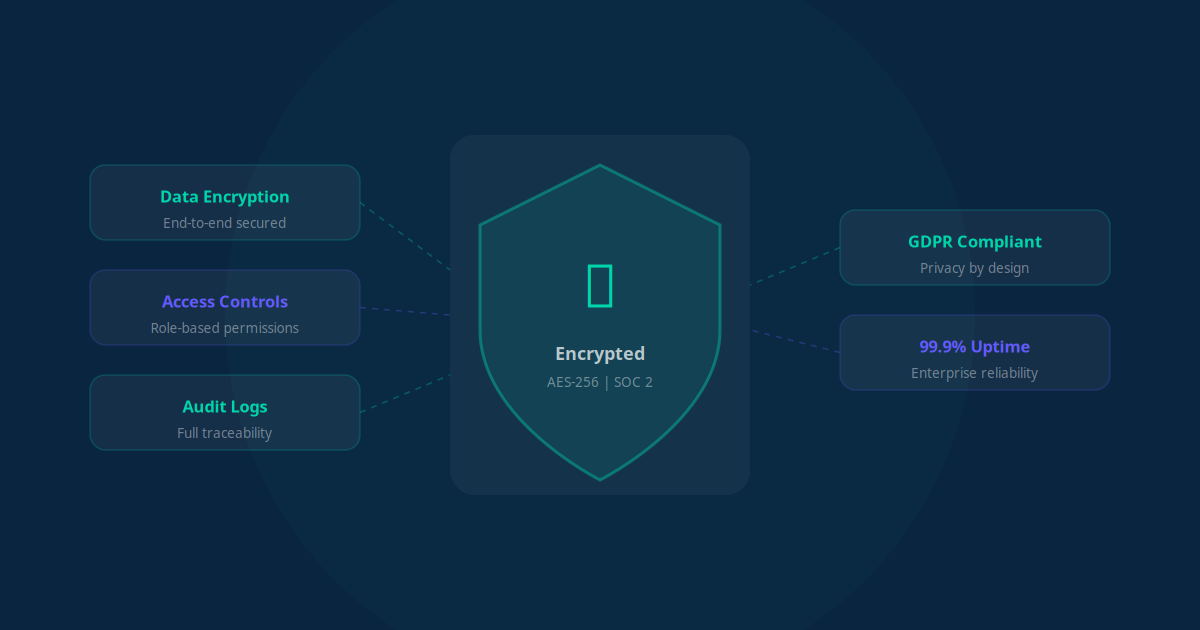
You are considering AI automation for your business, but a critical question keeps coming up: is my data safe? It is a valid concern. You are trusting a third-party system with customer information, financial records, and sensitive business data. The good news is that AI automation can be extremely secure -- but only if you know what to look for.
This guide breaks down everything you need to know about AI data security in plain English. No technical jargon, no hype -- just practical advice for business owners who want to automate confidently.
Understanding How AI Automation Handles Your Data
Before we talk about security, let us understand what actually happens to your data when you use AI automation. There are three stages where your data is involved:
- Data in transit: When your data moves from one system to another (for example, from your CRM to your email tool), it is "in transit." Think of this as your data traveling on a highway.
- Data at rest: When your data is stored on a server or database, it is "at rest." This is your data sitting in a warehouse.
- Data in processing: When an AI model is actively reading and analyzing your data to perform a task. This is your data being used in a factory.
Each stage requires different security protections, and reputable AI automation vendors secure all three. The key is knowing what protections to expect and what questions to ask.
Encryption: Your First Line of Defense
Encryption is the foundation of data security. It scrambles your data so that even if someone intercepts it, they cannot read it without the decryption key. Here is what you need to know:
- TLS/SSL encryption (in transit): Every reputable AI vendor encrypts data as it moves between systems. Look for TLS 1.2 or higher. If a vendor's website shows a padlock icon in the browser bar, they are using this.
- AES-256 encryption (at rest): This is the gold standard for stored data. The same encryption standard used by banks and government agencies. Your data should always be encrypted when stored on any server.
- End-to-end encryption: Some vendors offer encryption where only you hold the keys. This means even the vendor cannot read your data -- the highest level of protection available.
Key Takeaway
At minimum, any AI automation vendor you work with should offer TLS encryption for data in transit and AES-256 encryption for data at rest. If they cannot confirm both of these, walk away.
Compliance Frameworks: GDPR, SOC 2, HIPAA, and More
Compliance certifications are like trust badges for data security. They prove that a vendor has been independently audited and meets specific security standards. Here are the ones that matter most:
| Framework | What It Covers | Who Needs It |
|---|---|---|
| SOC 2 Type II | Security, availability, processing integrity, confidentiality, privacy | Any business handling sensitive data |
| GDPR | Data protection and privacy for EU citizens | Any business with European customers |
| HIPAA | Protected health information | Healthcare providers, clinics, medical businesses |
| ISO 27001 | Information security management systems | Enterprise-level security requirements |
| PCI DSS | Payment card data protection | Any business processing credit card payments |
| CCPA | Consumer data privacy for California residents | Businesses with California customers |
You do not need a vendor that has every certification on the list. Focus on the ones that apply to your industry and customer base. A healthcare clinic needs HIPAA compliance. An e-commerce store needs PCI DSS. Almost every business benefits from SOC 2 and GDPR compliance.
The Vendor Evaluation Checklist
Before you sign up with any AI automation provider, run through this checklist. These are the non-negotiable questions every business owner should ask:
Data Handling Questions
- Where is my data stored? Know the physical location of servers. Data stored in the EU has different legal protections than data stored in the US.
- Is my data used to train AI models? This is critical. Some vendors use your data to improve their AI. If you are not comfortable with that, make sure they offer an opt-out or do not train on customer data at all.
- How long is my data retained? Your data should only be kept as long as necessary. Ask about retention policies and automatic deletion schedules.
- Can I export or delete my data at any time? You should always have full control over your data. If a vendor makes it difficult to leave, that is a red flag.
Security Infrastructure Questions
- What encryption standards do you use? Look for TLS 1.2+ in transit and AES-256 at rest.
- Do you have SOC 2 Type II certification? Type II is more rigorous than Type I because it tests controls over time, not just at a single point.
- What happens in a data breach? Ask about their incident response plan, notification timeline, and liability coverage.
- Do you offer role-based access controls? This ensures only authorized team members can access specific data within the platform.
Key Takeaway
Print this checklist and use it every time you evaluate a new AI vendor. A trustworthy vendor will answer every question confidently and transparently. Hesitation or vague answers are warning signs.
Common Security Myths About AI Automation
There is a lot of misinformation about AI and data security. Let us debunk the most common myths that hold business owners back:
Myth 1: "AI Automation Is Less Secure Than Manual Processes"
Reality: Manual processes are often far less secure. Think about it: employees emailing spreadsheets with customer data, sharing passwords on sticky notes, or using personal devices without encryption. AI automation systems are built with security by design -- encryption, access controls, audit logs, and monitoring that manual processes never have.
Myth 2: "The AI Can See and Remember All My Data"
Reality: Well-designed AI systems only access the specific data needed for a task, and they do not "remember" it afterward. Most AI automation processes data in real-time and discards it once the task is complete. Your customer's email is processed to send a follow-up, then the AI moves on -- it does not store a copy for itself.
Myth 3: "Small Businesses Do Not Need to Worry About Compliance"
Reality: Data protection regulations apply to businesses of all sizes. GDPR fines can reach 4% of annual revenue regardless of company size. Even if you have just 100 customers, you have a legal obligation to protect their data.
Myth 4: "Cloud-Based AI Is Riskier Than On-Premise Software"
Reality: Cloud providers like AWS, Google Cloud, and Azure invest billions in security infrastructure -- far more than any small or mid-sized business could spend on on-premise security. Your data in a SOC 2 certified cloud environment is almost certainly safer than on a server in your office closet.
"We were hesitant about moving our patient data to a cloud-based AI system. After seeing the encryption, compliance certifications, and audit trails, we realized it was actually more secure than our old paper-based process." -- Dental practice owner
Best Practices for Business Owners
Even with a secure AI vendor, you have a role to play in keeping your data safe. Here are the best practices every business owner should follow:
- Use strong, unique passwords: Every account connected to your AI automation should have a unique password of at least 16 characters. Use a password manager.
- Enable two-factor authentication (2FA): This adds a second layer of protection beyond just a password. Enable it on every platform that offers it.
- Limit access with role-based permissions: Not every team member needs access to everything. Set up roles so people only see the data they need for their job.
- Review connected apps regularly: Audit which third-party apps have access to your systems. Remove any that are no longer in use.
- Keep your team trained: The biggest security risk is usually human error. Regular training on phishing, password hygiene, and data handling goes a long way.
- Back up your data independently: Even if your vendor has backups, maintain your own. Export critical data regularly to a secure, separate location.
Red Flags to Watch For
Not every AI vendor takes security seriously. Here are warning signs that should make you think twice:
- No clear privacy policy: If you cannot find a detailed, readable privacy policy on their website, move on.
- No compliance certifications: A vendor without SOC 2 or equivalent certification has not proven their security claims to an independent auditor.
- Vague answers about data handling: If a vendor cannot clearly explain where your data is stored, how it is encrypted, and who has access, they either do not know or do not want you to know.
- No data processing agreement (DPA): For GDPR compliance, you need a DPA with any vendor that processes personal data on your behalf. If they do not offer one, they may not understand their legal obligations.
- Unlimited data retention: Your data should not be kept forever "just in case." Look for vendors with clear retention policies and automatic deletion.
Questions to Ask Before Signing Any Contract
Here is a ready-to-use list of questions you can send to any AI automation vendor before committing:
- What specific encryption protocols do you use for data in transit and at rest?
- Are you SOC 2 Type II certified? Can you share your latest audit report?
- Is my data used to train or improve your AI models?
- Where are your data centers physically located?
- What is your incident response plan and breach notification timeline?
- Can I export all my data at any time in a standard format?
- Do you offer a Data Processing Agreement (DPA)?
- What role-based access controls are available?
- How do you handle data deletion when I cancel my account?
- Do you carry cyber liability insurance?
A vendor that answers all ten of these questions clearly and confidently is one you can trust. Save this list and use it every time you evaluate a new tool or platform.
Key Takeaway
AI automation is not inherently risky -- but choosing the wrong vendor can be. Do your due diligence, ask the right questions, and implement basic security hygiene on your end. The combination of a reputable vendor and smart practices makes AI automation one of the safest ways to handle your business data.
The Bottom Line: AI Automation Can Be Extremely Safe
The question is not whether AI automation is safe. The question is whether your specific vendor and implementation are safe. With the right provider, proper encryption, relevant compliance certifications, and basic security practices on your end, AI automation is not only safe -- it is often more secure than the manual processes it replaces.
The businesses that thrive in 2026 are not the ones avoiding AI out of fear. They are the ones who adopt it thoughtfully, with security as a non-negotiable requirement from day one.
"Security is not a feature you add later. It is the foundation you build everything on. Choose vendors who understand that, and you will never have to choose between efficiency and safety." -- Cybersecurity advisor