AI Browser Agents in 2026: What Small Businesses Need to Know




The Quiet Shift That Changes Everything in 2026
For years, AI could write the email but not send it. It could draft the report but not log into the dashboard to pull the numbers. There was always a human in the middle, copying the AI's output from one window and pasting it into another. That gap is closing fast.
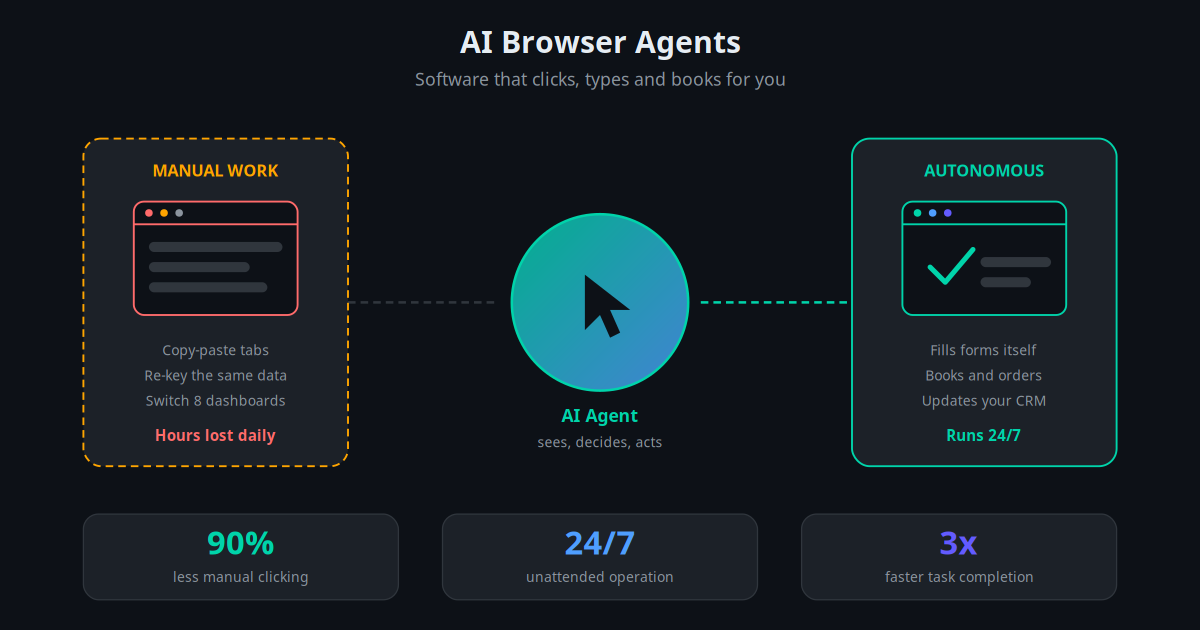
In 2026, the biggest story in business AI is not a smarter chatbot. It is the rise of AI browser agents — sometimes called computer-use agents or agentic browsers — that operate software the way a person does. They look at the screen, move the cursor, click buttons, fill in forms, and move between tabs to finish a real task on their own.
Every major lab has shipped a version of this. OpenAI, Anthropic, and Google have all released AI that can take control of a browser or computer screen and act. Browser companies are baking agents directly into the address bar. What used to be a research demo is now something a small business can actually point at a boring, repetitive job.
This matters for you because most of the daily grind in a small business happens inside a browser: updating orders, checking supplier portals, copying leads, reconciling invoices across dashboards. An agent that can do that work unattended is a different category of tool from the chatbots most owners have tried so far.
Key Takeaway
AI browser agents close the last gap in business AI: they do not just suggest what to do, they actually operate your software to get it done — even on tools that have no API.
What an AI Browser Agent Actually Is
An AI browser agent is an AI system that perceives a screen, reasons about what needs to happen, and then takes physical actions inside software to complete a goal you describe in plain language. Tell it "find the three cheapest suppliers for this part and put them in a spreadsheet," and it opens the sites, reads the pages, compares prices, and types the results in — no script required.
It works through a simple loop repeated many times: see the screen, decide the next click, perform the action, then look again to check the result. This is why these agents are sometimes called "computer-use" models. They are not limited to one pre-built integration. If a human could do the task with a mouse and keyboard, the agent can attempt it too.
That single property is what makes browser agents so interesting for smaller businesses. So much of your software stack is made up of tools that were never designed to talk to each other — an old booking portal, a council licensing site, a wholesaler login, a legacy accounting screen. A browser agent does not care whether those tools have modern connectors. It just uses them.
This is the natural next step beyond the AI automation services most teams already run. Where a chatbot answers and a workflow connects, a browser agent acts inside the interface itself.
Why This Is Suddenly Working in 2026
Computer-use AI is not a brand-new idea. Earlier attempts failed because models could not reliably read a cluttered screen, mis-clicked constantly, and gave up on multi-step tasks. Three things changed that this year.
First, vision got good. Today's multimodal models read interfaces, tables, and dense dashboards accurately, the same shift we covered in our guide to multimodal AI for business. The agent can now tell the difference between a real "Submit" button and a lookalike ad.
Second, reasoning improved. Modern models plan a sequence of steps, recover when a page changes, and recognise when they have hit a dead end instead of looping forever. That reliability is the difference between a demo and a tool you can leave running.
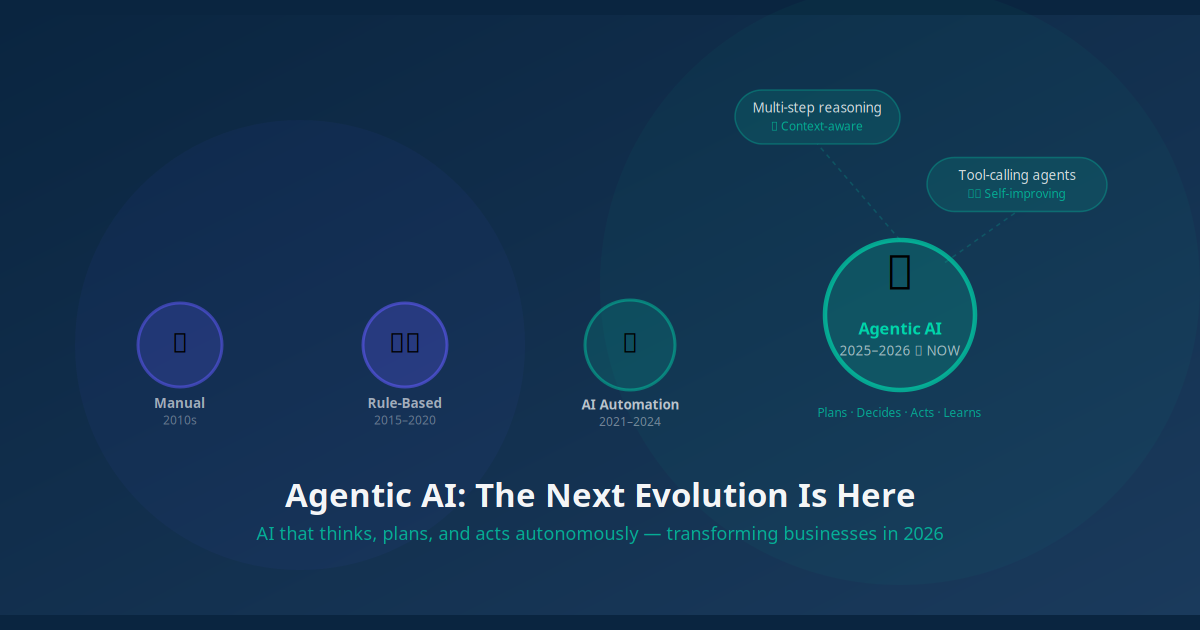
Third, the ecosystem matured. Platforms now provide sandboxed browsers, step-by-step logging, and built-in approval gates, so an agent runs in a controlled environment rather than loose on your real computer. This is the same agentic direction we explored in our piece on the next evolution of agentic AI.
The shift is subtle but huge: AI moved from being a tool you operate to being a worker that operates tools for you.
Where SMBs Are Using Browser Agents Right Now
The most valuable early use cases are not glamorous. They are the repetitive, screen-heavy tasks that quietly eat hours every week. Here is where small businesses are getting real value today.
Retail and E-commerce: Price and Stock Monitoring
An online retailer's agent checks competitor prices and supplier stock levels across a dozen sites every morning, logs the numbers in a sheet, and flags items where a competitor undercut them overnight. A task that took a staff member two hours now runs before anyone arrives, pairing neatly with broader AI inventory management.
Professional Services: Cross-Portal Data Entry
An accounting practice uses an agent to pull statements from multiple bank and supplier portals that have no export feature, then drop the figures into the bookkeeping system. The agent handles the tedious copy-paste that used to consume a junior's afternoon, freeing staff for client work.
Sales Teams: Lead Research and List Building
A B2B team points an agent at directories and company sites to gather contact details, company size, and recent news for a target list, then writes the results straight into the CRM. It feeds the front of the funnel that AI lead generation then nurtures automatically.
Operations: Order and Status Reconciliation
A logistics company runs an agent that checks order statuses across a courier portal, the store admin, and an internal tracker, flags mismatches, and updates the records so the customer-facing system always shows the truth. It removes a daily reconciliation headache without any new integration work.
How an AI Browser Agent Completes a Task
To make this concrete, here is how an agent handles a single instruction: "Pull this week's orders from the courier portal and update their status in our store admin."
Receives the goal: You give it the task in plain language, plus access to the two systems through a scoped, limited-permission login.
Opens and reads the portal: The agent loads the courier site, locates the orders table, and reads each row the way a person scanning the page would.
Plans the steps: It works out which orders changed status, then sequences the clicks needed to update each one in the store admin.
Acts inside the software: It switches tabs, searches each order, opens it, selects the new status, and saves — repeating the loop for every record.
Checks its own work: After each update it re-reads the screen to confirm the change saved, and retries or flags anything that did not.
Reports back: It logs every action and sends you a summary: orders updated, exceptions to review, and anything that needs a human decision.
The whole run is logged step by step, so you can replay exactly what the agent saw and did. That audit trail is what turns an impressive demo into something you can actually trust with live data.
Browser Agents vs Traditional Automation
Browser agents do not replace tools like Zapier, Make, or n8n — they fill the gaps those tools cannot reach. The honest comparison looks like this.
| Factor | API Automation (Zapier / Make / n8n) | AI Browser Agent |
|---|---|---|
| How it connects | Through pre-built APIs | Drives the screen directly |
| Works without an API | No | Yes |
| Speed and cost | Fast and cheap per run | Slower and more costly per run |
| Reliability | Very high for set steps | High, but can mis-click |
| Handles layout changes | Breaks easily | Adapts on the fly |
| Best use | Connected, high-volume tasks | Legacy tools and one-off jobs |
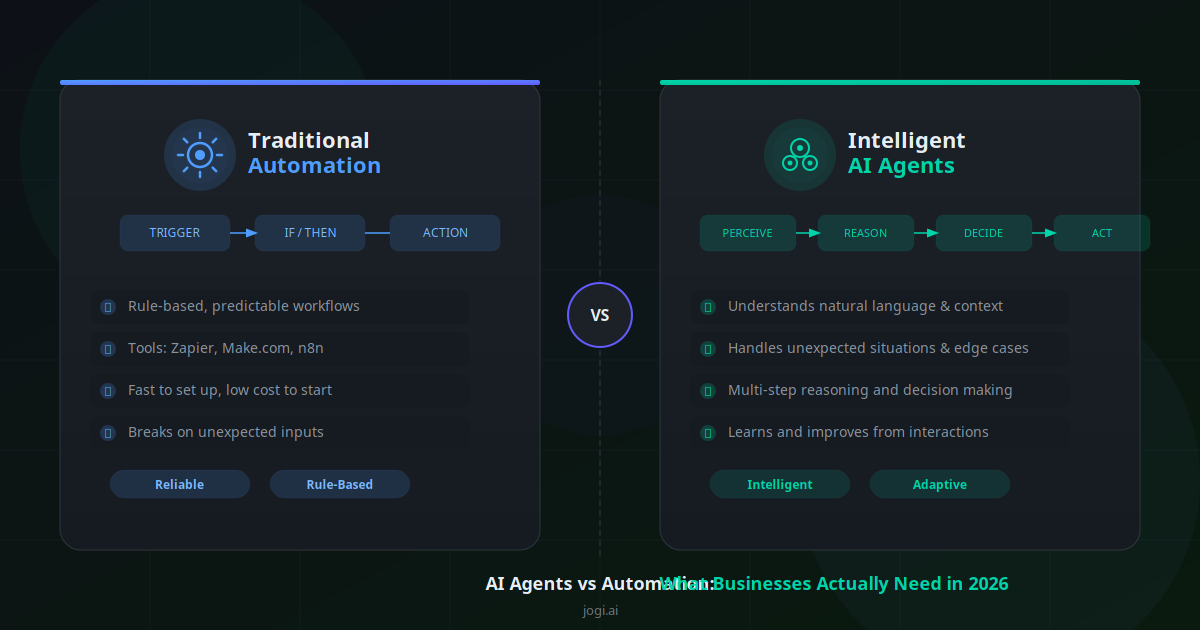
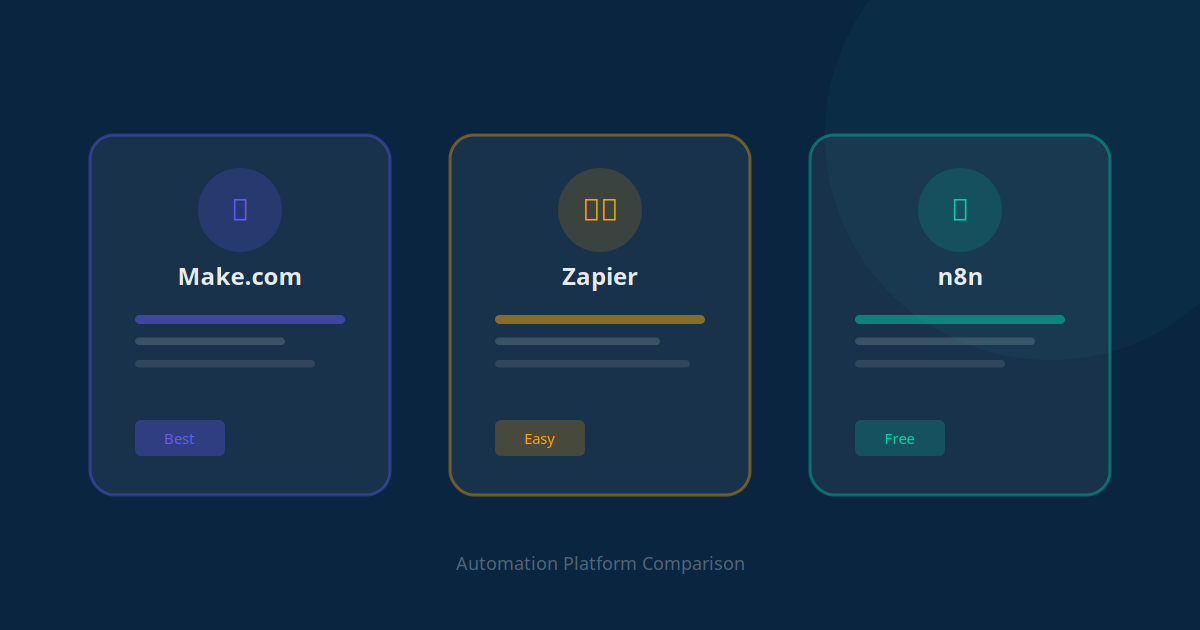
The smart play is to combine them. Use fast, cheap API workflows wherever an integration exists, and bring in a browser agent only for the stubborn corners where no connector is available. If you are weighing the platforms, our comparison of Make vs Zapier vs n8n is a good companion read, and our deeper look at AI agents vs automation explains where each one shines.
The Risks Nobody Should Ignore
An agent that can take actions can also take wrong actions, so the safety conversation is not optional. The good news is that the risks are manageable with sensible guardrails. The bad news is that ignoring them can be expensive.
- Irreversible actions: An agent that can pay an invoice or delete a record can do it by mistake. Require human approval before anything that cannot be undone.
- Over-broad access: Never hand an agent your master admin login. Give it a scoped account with only the permissions the task needs.
- Prompt injection: A malicious web page can contain hidden text designed to hijack the agent. Run agents in sandboxed environments and restrict which sites they can visit.
- Silent errors: An agent can quietly update the wrong field at scale. Keep full step logs and review summaries until you trust the workflow.
- Compliance and data handling: Agents touch customer data, so the same rules apply as to any staff member. Our guide to whether AI automation is safe covers the controls to put in place.
None of this means avoid the technology. It means deploy it the way you would onboard a new, capable but inexperienced employee — with clear limits, supervision early on, and trust earned over time.
How to Get Started Without Getting Burned
You do not need a developer or a big budget to test this. You need one well-chosen task and a careful rollout.
Pick one boring, repetitive task
Choose something that runs often, follows clear rules, and has low stakes if it goes wrong — checking prices, copying data between two screens, or building a research list. Avoid anything involving money or deletions for your first run.
Run it with a human in the loop
For the first few weeks, have the agent prepare the work and pause for your approval before saving. You review the summary, approve, and let it commit. This builds trust while keeping you in control.
Scope the access tightly
Create a dedicated login with the minimum permissions required. If the agent only needs to read a portal and write to one sheet, it should not be able to do anything else.
Measure the time saved
Track how long the task used to take versus what it costs to run as an agent. This is the same discipline behind any good workflow automation project — prove the return before you scale it across more tasks.
"We started the agent on one job — copying supplier prices every morning. Within a month it was running four routine tasks and had given a staff member back roughly a day a week."
— Operations lead, online homeware retailerConclusion: The Year AI Started Doing the Work
AI browser agents mark the moment AI stopped advising and started acting. For small businesses, that is the difference between a clever assistant and a tireless worker that handles the screen-heavy tasks nobody enjoys. The technology is genuinely ready for low-stakes, repetitive work today, and improving fast for everything else.
The winners will not be the businesses that adopt every shiny agent. They will be the ones that pick the right tasks, deploy with guardrails, and quietly compound the time saved week after week while competitors are still copying and pasting.
Start small, stay in control, and let the agent earn your trust on one task before you hand it the next. The hours you reclaim add up faster than you expect.
To see exactly which tasks in your business an AI agent could take over — and how many hours that would save — use the AI Business Twin for a free personalised analysis in under 10 minutes.
Frequently Asked Questions
What is an AI browser agent?
An AI browser agent is an AI system that operates a web browser or software interface the way a human employee would. It looks at the screen, decides what to do, then moves the cursor, clicks buttons, types into fields, and navigates between pages to complete a task. Unlike a traditional script, it adapts to layout changes and works on tools that have no API, because it interacts with the visual interface directly.
How are AI browser agents different from tools like Zapier or Make?
Zapier, Make, and n8n connect apps through APIs, so they are fast, reliable, and cheap when an integration already exists. AI browser agents instead drive the screen directly, which lets them work on legacy portals, government sites, and internal tools that offer no API at all. In practice most businesses combine both: API workflows for the connected systems and a browser agent for the gaps where no integration exists.
Are AI browser agents safe for a small business to use?
They can be safe when deployed with guardrails. Best practice is to run them on scoped accounts with limited permissions, require human approval before any irreversible action such as payments or deletions, log every step for review, and start with low-risk read-only tasks. The risk comes from giving an agent broad access with no oversight, not from the technology itself.
What tasks should I give an AI browser agent first?
Start with repetitive, rules-based, low-stakes tasks that involve copying data between systems. Good first jobs include pulling figures from a supplier portal into a spreadsheet, checking competitor prices, updating order statuses across dashboards, and gathering lead details from directories. Save high-stakes actions like sending payments or deleting records for later, once you trust the agent and have approval steps in place.
Do AI browser agents replace employees?
Not in most small businesses. They replace the repetitive screen work that wastes employee time, such as re-keying data, checking portals, and switching between dashboards. The realistic outcome is that staff spend far less time on busywork and more on judgment, relationships, and revenue tasks. Roles shift toward supervising and improving the agents rather than disappearing.
How much do AI browser agents cost to run?
Costs depend on how many tasks run and how complex they are, because each step uses AI model tokens. A small business running a handful of routine browser tasks per day typically spends between $30 and $200 per month on model and platform costs. That compares with several hours of staff time per day, so the payback is usually fast for high-frequency, repetitive work.